Design Vitamins
Description
Guide
Newsletter
Podcast
Apr 24, 2023
Insights from Framer, Noise Grid, and Apple's Book App UI Breakdowns
Five Finds of the week
Translations for Figma (Try Now 🛠️)
Noise grid generator for Figma (Play Now 🔗)
Design for Planet Knowledge Hub (View Directory 🔗)
The 2022 Design Systems Survey Report (Check it out 🔗)
UX Research Canvas on Figjam (Try Now 🔗)
Four Things to Read, See and Hear this week
UX for Lizard Brains (View Guide 🔖)
Building a landing page with Framer (View Video)
Conversations with Robots: Voice, Smart Agents & the
Case for Structured Content (View Guide 📖)Lennart Overkamp's Design Portfolio (View Portfolio 📜)
Three Things to Try this week
A thread on Rules of thumb that simplify decisions (Check Now 🔗)
Navigate for Figma & Figjam (Try Tool 🔗)
Figma plugin to cutout objects from images (Check Now 🔗)
Two UI Breakdowns of the week
This week's chosen workflows are from "Apple's Books App":
Adding a note
Quickly jumping to a page using a slider
Breakdown #1
The Books app lets users access different types of files, like pdfs and epubs, all in one place. It's a great app for reading and learning. Users can easily add notes as part of their learning process, and they're easy to find later.
See a quick audit below ⤵

Breakdown #2
Jumping to a specific page can be difficult, but the Books app makes it easier with two different methods. Users can use a slider or a search function. The slider is special because it helps users quickly find bookmarks and other important parts of the text in context.
See a quick audit below ⤵

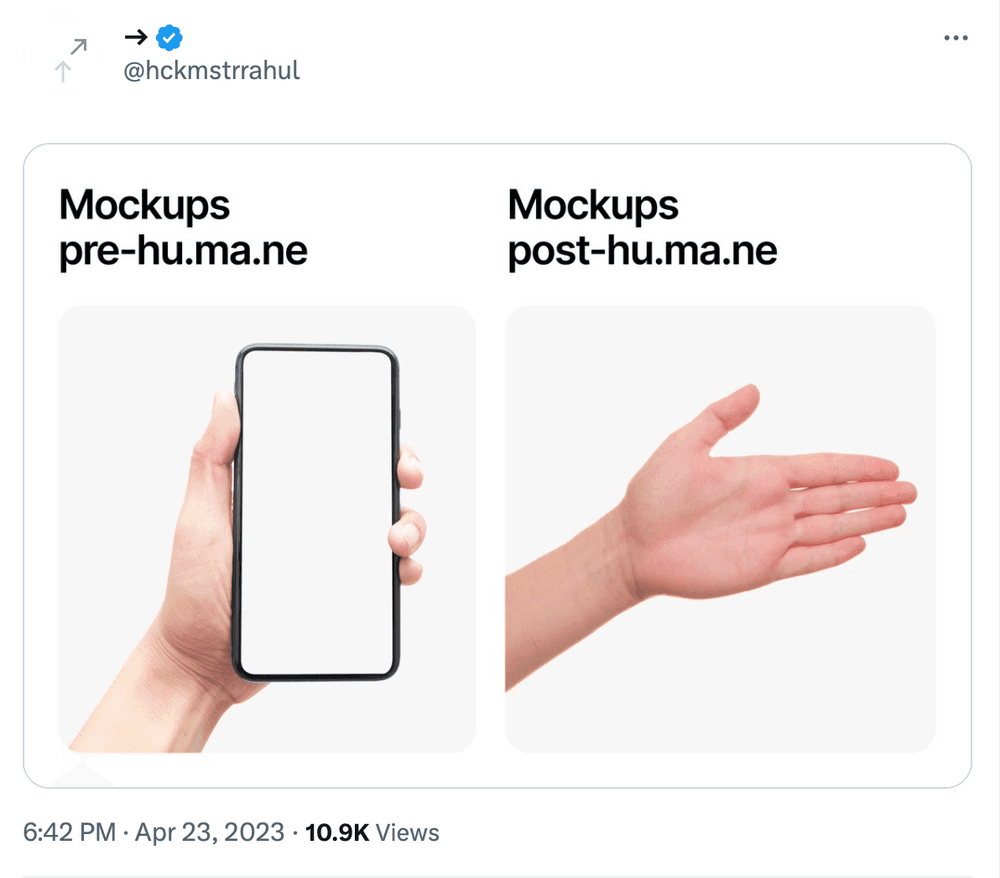
One meme for this week: