Design Vitamins
Description
Guide
Newsletter
Podcast
Apr 2, 2023
Highlights from Propstar, FontSwap, and UI Breakdowns on Slack's Text Recognition
Five Finds of the week
Propstar - Generate all instances for your components in figma (Try Now 🛠️)
Loading spinners for Figma (Play Now 🔗)
The 10 Principles of Product Discovery (View 🔗)
Nithin Kamath in Conversation with Kunal Shah (Check it out 🔗)
Easy Font Swap - Figma plugin to change a font in one click (Try Now 🔗)
Four Things to Read, See and Hear this week
A short course on Visual Thinking (View Guide 🔖)
Accelerating GitHub theme creation with color tooling (View Article 📺)
The Workshop Survival guide (View Guide 📖)
Eric Jordan's Design Portfolio (View Portfolio 📜)
Three Things to Try this week
The history of Visual Basic by Retool (Check Now 🔗)
Batch styler Figma Plugin - change 12 colors styles in one shot (Try Tool 🔗)
UX Writing basics course (Check Now 🔗)
Two UI Breakdowns of the week
This week's chosen workflows are from screenshots/photos:
Copy pasting a text from photos
Opening a link via screenshot
Breakdown #1
Information is shared via slack quite regurarly. From time to time, we might need to just access the information quickly via the screenshot.
See a quick audit below of a screenshot via slack photos ⤵

Breakdown #2
Consider being able to click on links from a screenshot rather than from the text. This is now possible using screen recognition, but with some limitations.
See a quick audit below ⤵

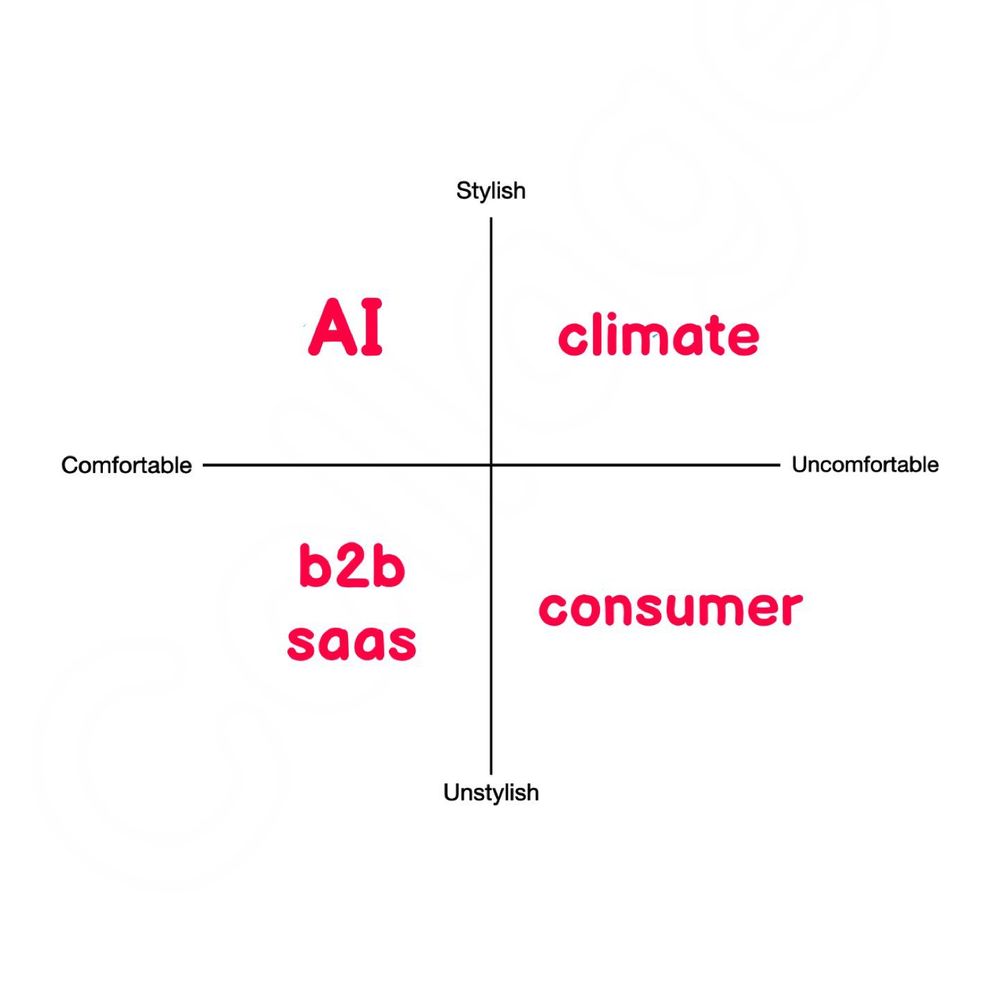
One meme for this week: