Intro to Harnesses
A harness turns design decisions into a repeatable path. I define the rules, tokens, and checks that keep this site consistent, then agents build inside that system. Every change is testable before it ships. Here, ‘deterministic’ means every page change follows the same rules, checks, and ship path — even when agents write part of the code.
Core Idea
A harness makes design work repeatable: these four parts stay constant on every page.
- Source The editable source of truth: markdown, tokens, and specs.
- Bake Scripts compile that source into the live HTML page.
- Proof Lint, audits, and gates catch spacing drift, token drift, and structural errors before deploy.
- Shared system One shared system for me and agents — contracts keep layout, spacing, and taste from being reinvented on each pass.
How a page gets built based on the core idea
Every page follows the same five stages from source to ship. That fixed path is what makes the system deterministic.
Example: if an agent introduces spacing outside the approved scale or changes a token unexpectedly, the pre-ship gate stops the build. Each stage has a clear owner: some steps are mine, some are the agent’s, and some are shared.
Who is involved in each stage
-
 Me
Me
- Agent
-
Source
and — I define copy, structure, and spacing decisions at the source.
-
Sync
— the agent turns markdown and tokens into the live HTML page.
-
Proof
, , and — the agent runs checks that block spacing drift, token drift, and invalid changes.
-
Refine
and — we refine the result until the design, copy, spacing, and structure are correct.
-
Ship
— one command ships the checked build once every gate passes.
The harness map
Each folder exists to make agent-driven changes safer, more consistent, and easier to verify before deploy.
9 work showcases · 20+ components · 13 share previews · 1 design system
-
diagram-bake/ Turns framework-based diagrams into exportable PNG assets.
-
og-bake/ Generates share cards from a single reusable template.
-
components/ Reusable interaction patterns and UI building blocks.
-
work-detail/ Showcase layouts built from shared system rules.
-
ship-log/ A log of what shipped and when.
Tools I build with
Tap a tool to see how it fits the harness.
Setup your own harness
Agents keep reinventing layout and ship steps — or rebuilding what already works. Install the diy-harness skill once. First pass: a readiness score and a short task list you pick from. Nothing installs until you choose. Setup is the next step.
What this skill will change
- Looks at your project first and writes a short audit before changing anything.
- Gives you a readiness score and a short task list. You pick what to do next — or all of the above. Nothing installs until you choose. Setup is the next step.
- If you already have parts of a harness, it looks for those first and offers to combine — not rebuild.
- It won’t delete your files or copy this site’s folder names onto yours.
- Works even without a code repo (Carrd, a CMS, no Git) — you get simple docs and checklists, not fake code folders.
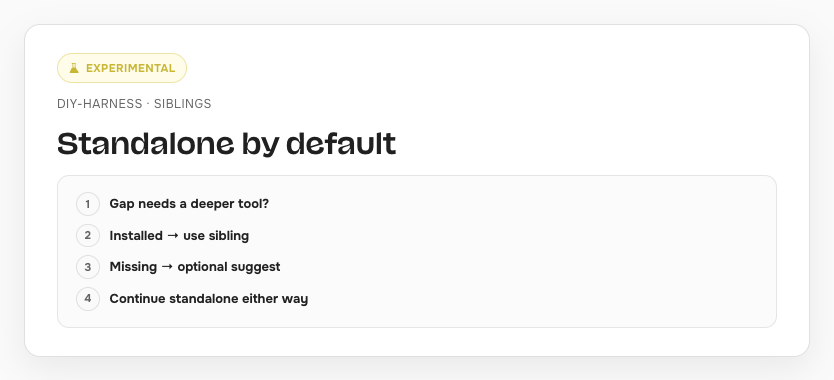
- If you already use design-lint or bake-the-brief, it points you there instead of rebuilding those tools. The plan may suggest adding one later; never required.
- Weekly check-ins suggest fixes; nothing applies until you approve.
How DIY-harness works
When designers build with coding agents, every session can reinvent tokens and deploy rituals. A harness holds the path together.
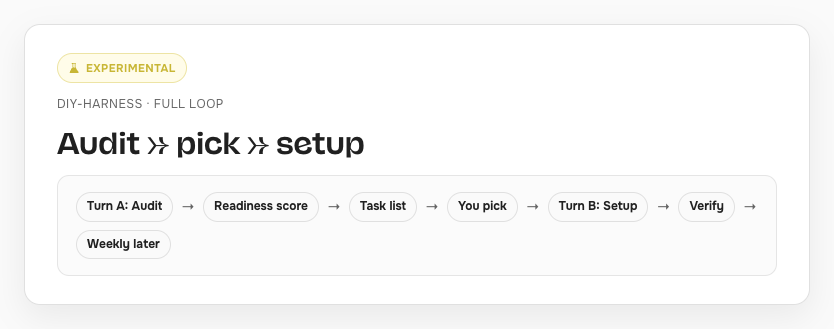
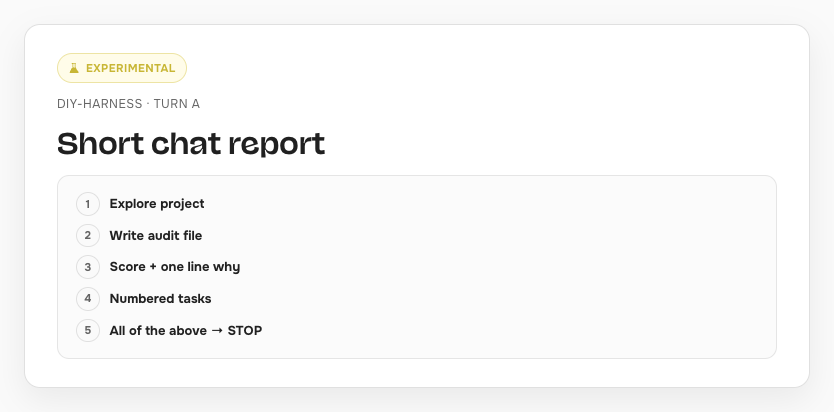
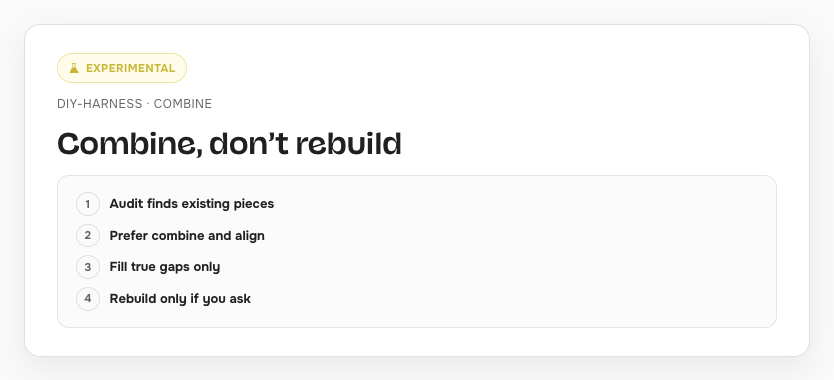
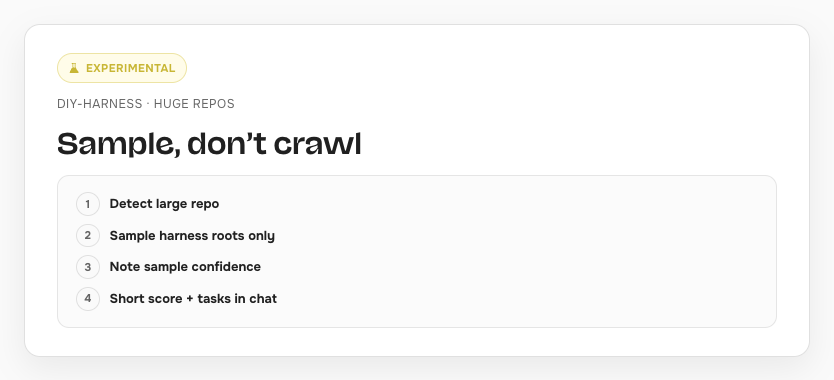
- Audit Looks at your project and writes a short audit doc before anything is installed.
- Readiness Scores how ready the project is for a harness, not how neat the repo looks.
- Plan Short numbered task list you pick from (or all of them). Nothing installs until you choose.
- Setup Installs only the tasks you picked. Never rebuilds what already works.
- Weekly Suggests a drift check-in. You approve before any fixes apply.
Access this skill
npx skills@latest add iruhdam1/skills — installs the pack; then run /diy-harness on your project.
Want to talk about AI-native work?
If you want to chat about interesting projects or AI education, reach out.